ReportsAPI

Automate reporting inside your AI product

Turn conversations, files, and business data into shareable artifacts your users can edit, export, and present.

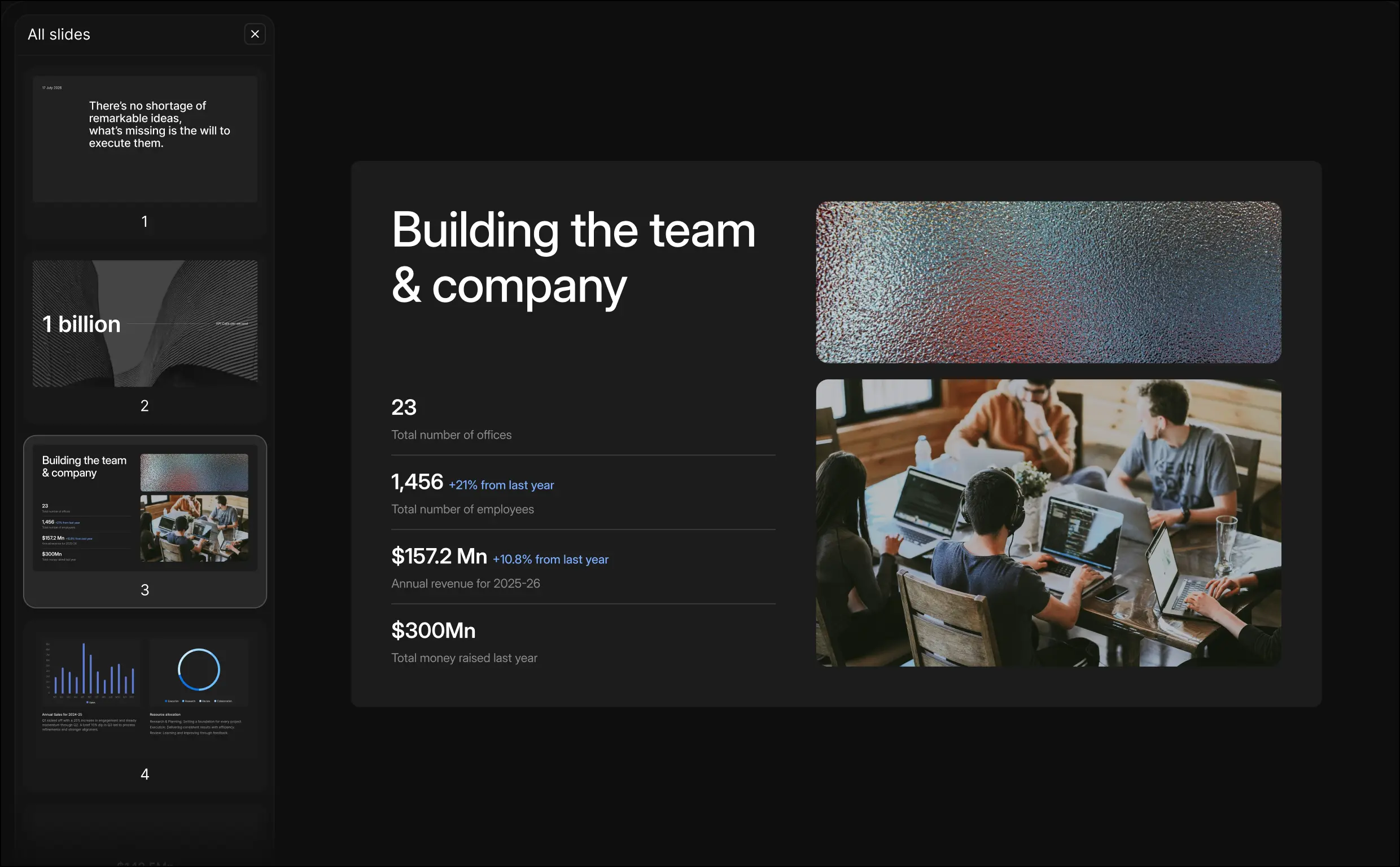
Slides product preview

Trusted by the best AI-native teams

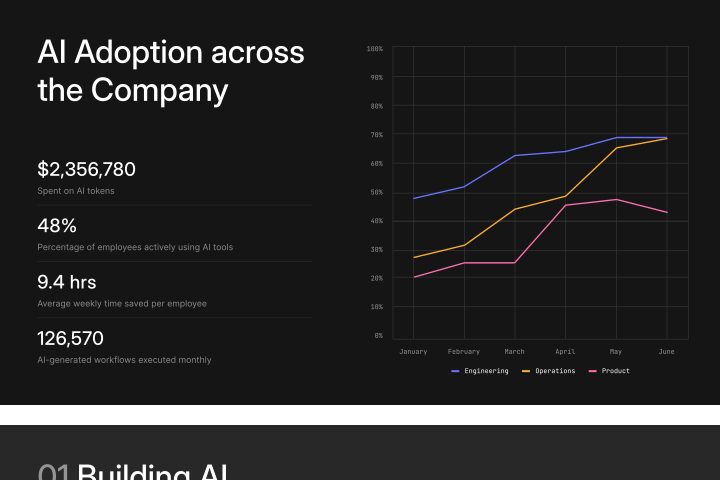
Generate Polished Artifacts

Turn conversations and data into reports and slides inside your product.

Reports API product preview

Iterate Conversationally

Refine and restructure artifacts through natural language prompts.

Developer-first

Use the API directly to build your own production-ready visualization layer.

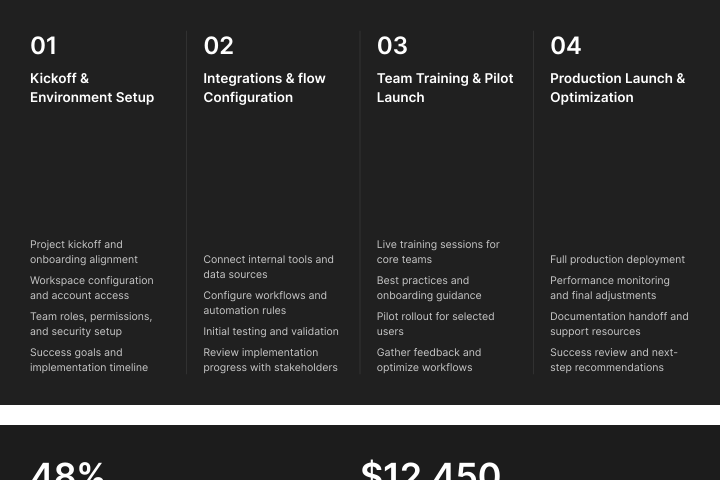
Build with Templates

Upload templates to generate consistent company-ready artifacts.

Reports API template-based report preview

Customize to Your Brand

Apply your themes, layouts, and design system across every artifact.

Download Editable Outputs

Export high-quality PDFs and PPTs that users can edit, present, and share.
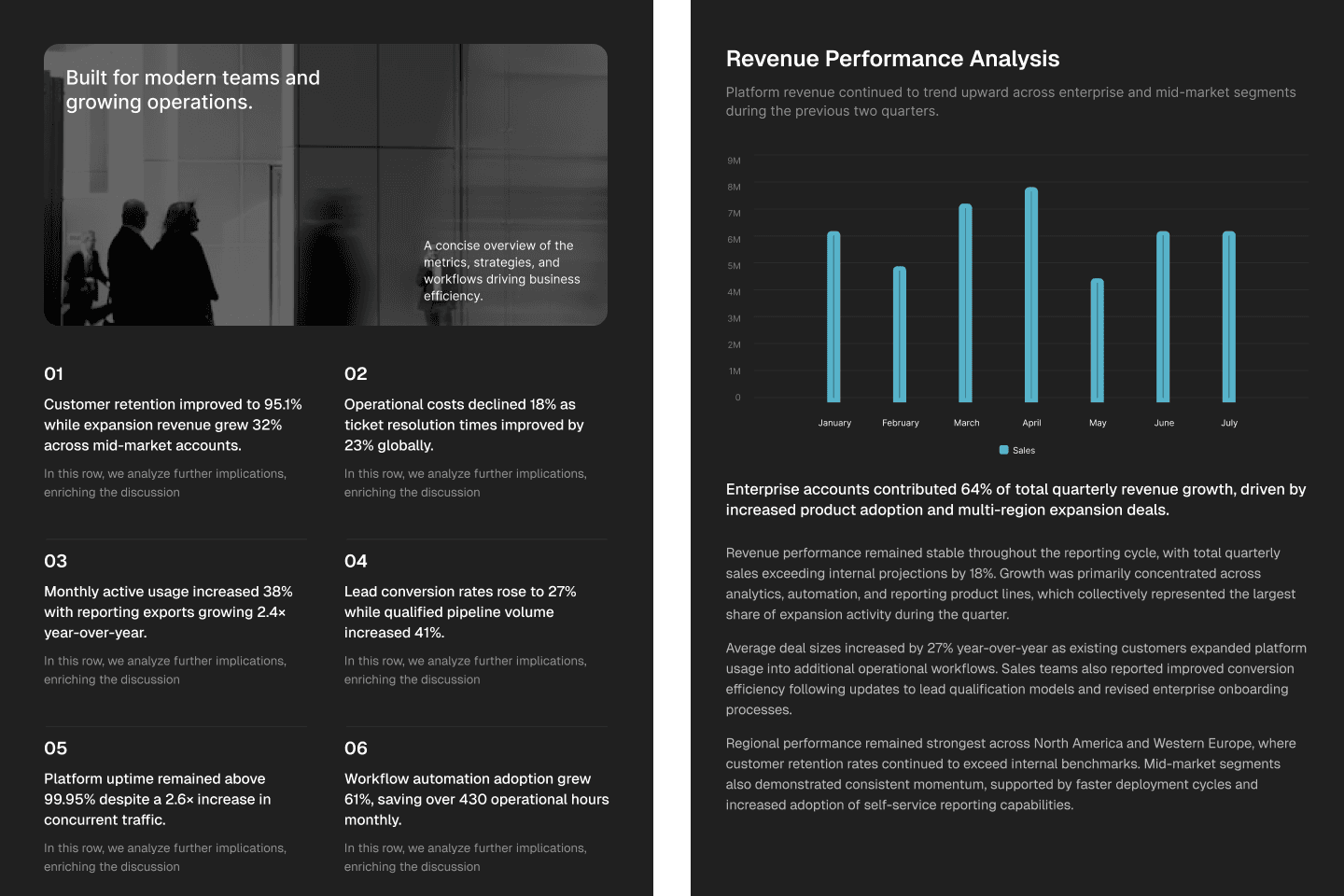
See what teams are generating

Explore how developers use Reports API to turn conversations, data, and files into reports, decks, dashboards, and research deliverables.

Reports generation

Turn research, customer context, and business data into polished reports that users can review, edit, and share.Reports API report generation preview

Built for production-scale Enterprise use

Enterprise security

Enterprise-grade security

SOC 2, ISO 27001, and GDPR compliant.

Zero data retention

Zero data retention for training

Your data is never used to train models.

Flexible deployment

Flexible deployment options

Fully managed deployments in your own cloud environment.

Enterprise support

Enterprise support & reliability

SLAs, proactive monitoring, and 24/7 support.

Frequently asked questions

If you can't find answers to your questions here, join our Discord or mail us.

Reports API can generate a wide range of structured artifacts from conversations, files, and business data. Teams use it to create reports, presentations, sales decks, customer success reviews, research summaries, business updates, executive briefings, onboarding documents, and other shareable deliverables. The API is designed for production use cases where users need more than a text response. Instead of generating raw content, Reports API produces polished, presentation-ready artifacts that can be viewed, edited, exported, and shared directly within your application.
Reports API can work with virtually any structured or unstructured content source. This includes chat conversations, documents, PDFs, spreadsheets, databases, CRM records, knowledge bases, API responses, and application data.
Yes. Generated artifacts are fully editable and designed for iteration. Users can refine content, reorganize sections, modify layouts, update visuals, and continue improving outputs through natural language instructions.
Absolutely. Reports API supports custom themes, layouts, templates, typography, colors, and design systems to ensure generated artifacts align with your product and company branding. Organizations can upload their own templates and presentation structures, allowing every generated report, deck, or summary to follow consistent visual and content standards. This helps teams maintain brand consistency while automating document creation at scale.
Generated artifacts can be exported in .pptx and PDFs that users can present, download, distribute, and collaborate on outputs without leaving your product. This flexibility allows teams to support a variety of workflows, from internal business reviews, customer presentations to external reports and executive communications.
Most document generation tools focus on converting text into slides or reports. Reports API is built specifically for AI-native products, where reports are generated from conversations, files, and live business data. It combines content generation, visualization, editing, branding, and export workflows into a single API, allowing developers to embed a complete reporting experience directly into their applications. Instead of generating a file, Reports API generates a fully interactive artifact layer that users can refine, present, and share.